
Key contributions
- Vehicle physics
- World interactions
- Racing system
- Collectibles
- Speed traps
- Audio via FMOD
- Interface design
- Basic asset modeling, world map
Overview
An open-world arcade driving game heavily inspired by Art of Rally by Funselektor, built in Unity with a team of three programmers and two artists. Being the smallest group, we had to shuffle some things around. For example, instead of the programmers being solely programmers, we assigned tasks based on our strengths. I primarily handled most programming related tasks, while my programming buddy Dawid Batkowski took on all VFX and quite a few models, despite attending school as a programmer. The other programmer implemented my interface designs, composed music and handled tasks related to environment building.
Vehicle physics
This project was my first experience implementing physics this deep in Unity. While there is a built-in vehicle physics system available, I really wanted to know more about vehicle physics in games. As well as have more control over how the car handled. It was a fantastic learning experience, which was arguably more important in a project like this.
We made great use of ScriptableObjects to define different vehicle types and their properties.
We built support for variable wheel count, decals and different bodies, but in the end only had time to make one car.
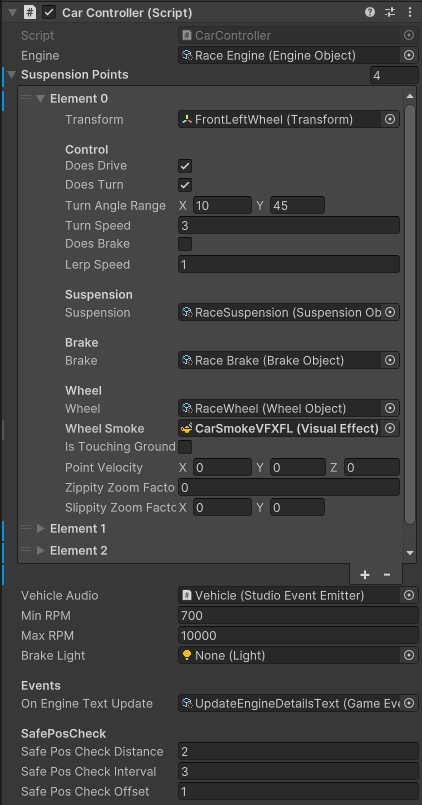
I primarily used raycasts and physics forces to simulate the car’s movement. The car’s suspension was simulated using raycasts to detect the ground and forces were applied accordingly. Seeing the car move was a very rewarding experience.
World interactions: Speed traps
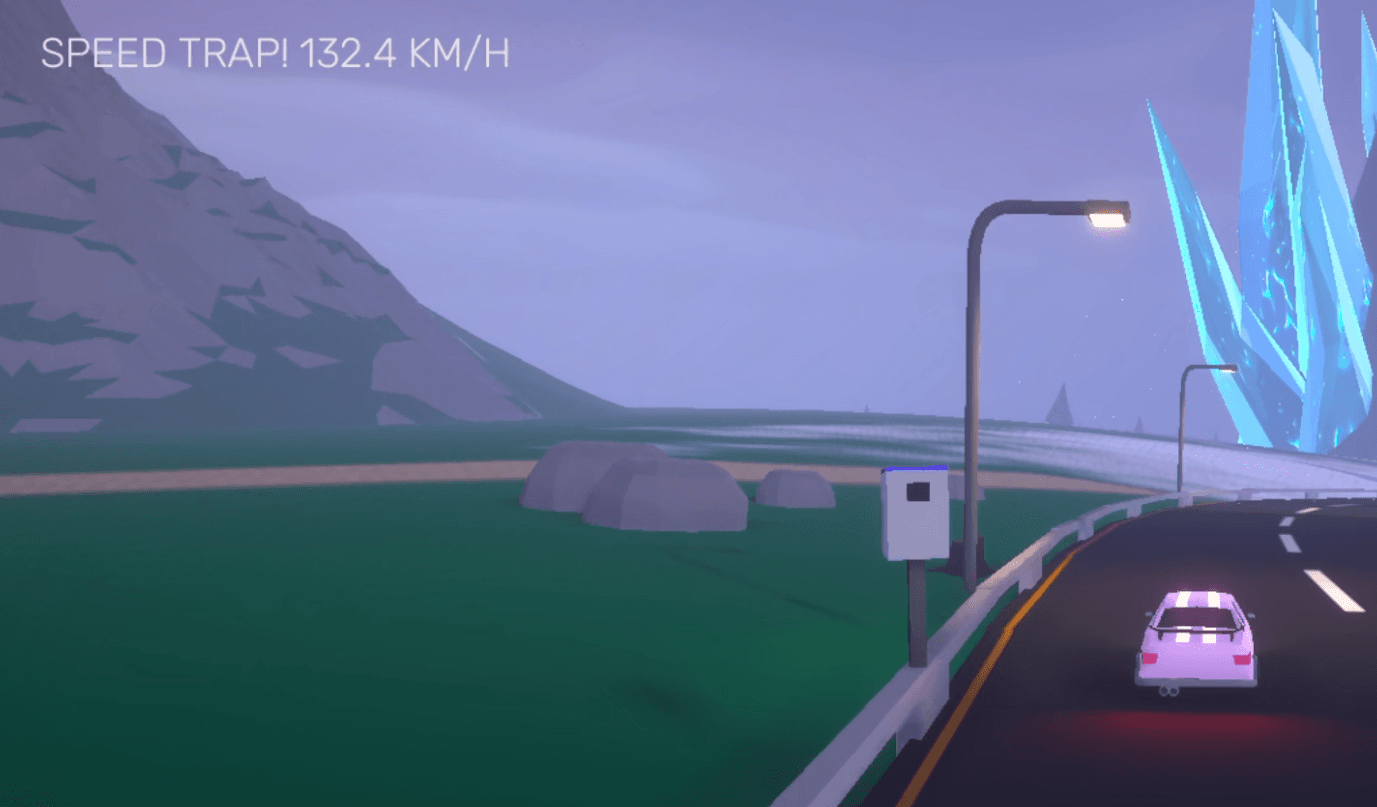
Since this was an open world arcade driving game, we needed interactivity with the world. The first and simplest world interaction I made was speed traps. It’s really just a trigger which logs your speed when you pass through it.
World interactions: Racing system
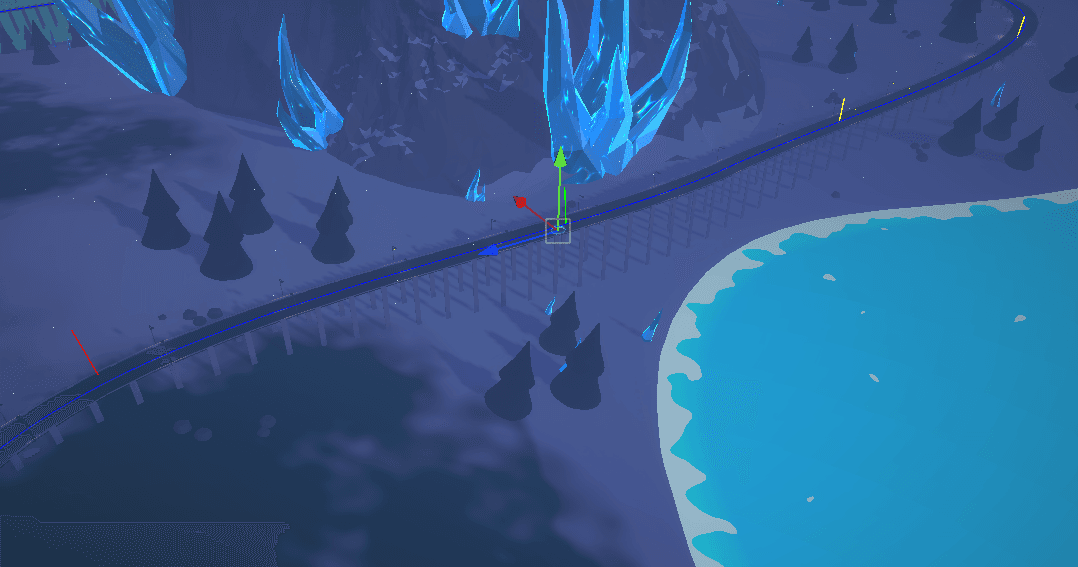
The next world interaction was racing, because what is a car game without racing? I made a simple checkpoint system, then built a simple tool to visualise the race path using Unity Gizmos. Races are also Scriptable Objects, which allowed us to easily display race information in race zones.
World interactions: Collectibles
Arguably the one I was looking forward to the most. This was a feature we had to scale down. The plan was to unlock more parts of the map by collecting items scattered around the world. The systems for collectibles and unlocking map areas were actually implemented, but due to time constraints, we ended up not having any more map to unlock!
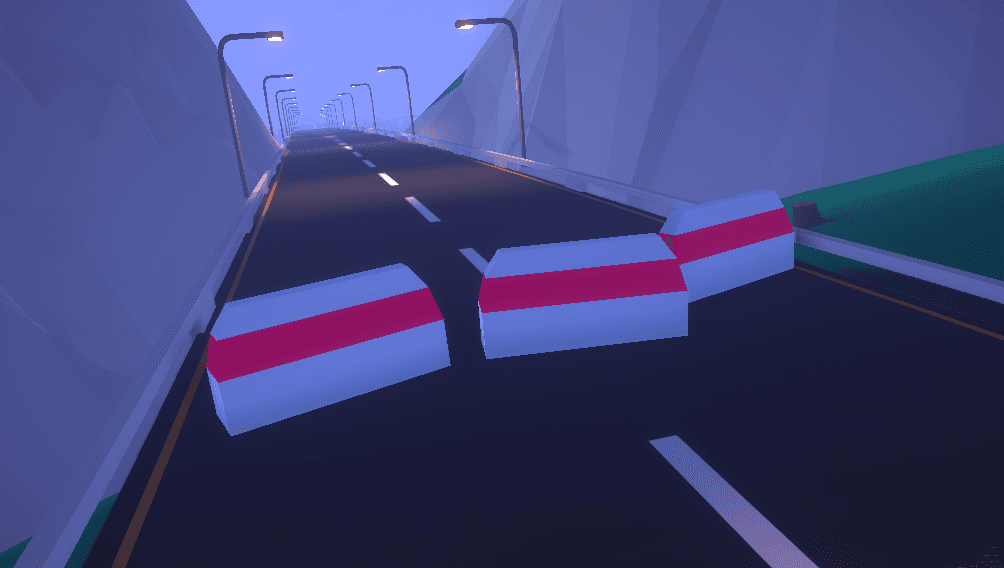
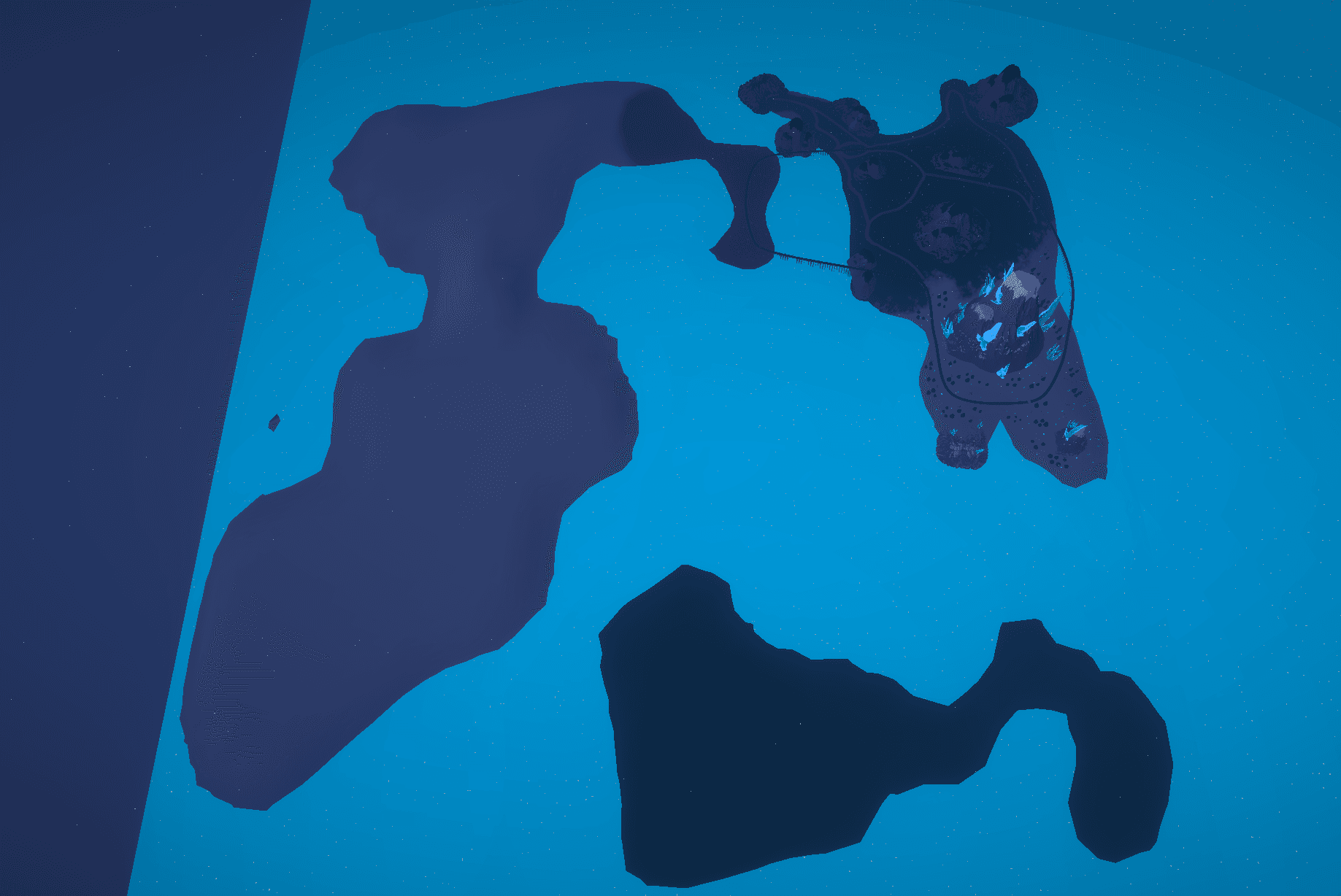
We experimented with many different systems to create roads, and in the end had to settle for Unity’s spline tool two weeks before deadline (approx. 6 hours of work left). This meant that instead of having a world map with three different islands, we ended up with only one closed loop road:
Audio via FMOD
Before this project, I had only used Unity’s built-in audio system. So for this project, I really wanted to learn more about audio systems, and FMOD seemed like a great choice. It was a little confusing getting banks to load properly at first, but it was a set-and-forget system once we got it working.
Our engine sounds were mapped to a fake RPM value based on the car’s speed since we didn’t have an engine simulation in place. For this we used Unity Animation Curves and it worked surprisingly well! Though, if I had to do it all over, I would’ve definitely started with a basic engine simulation.
…and probably also not use the car engine example audio files that come with FMOD
Interface design
I designed a simple interface for the game in Figma. I wanted something minimal and clean, and personally I think I did a fantastic job:
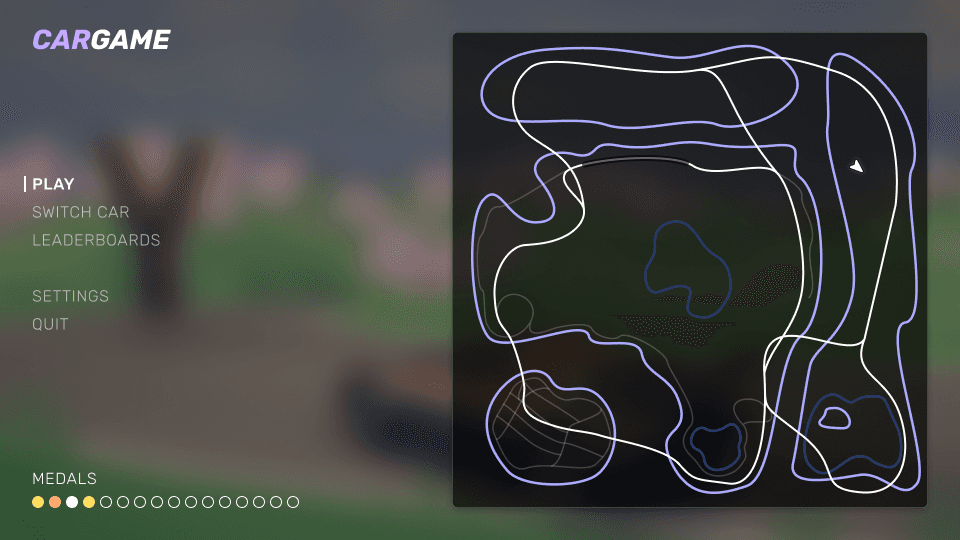
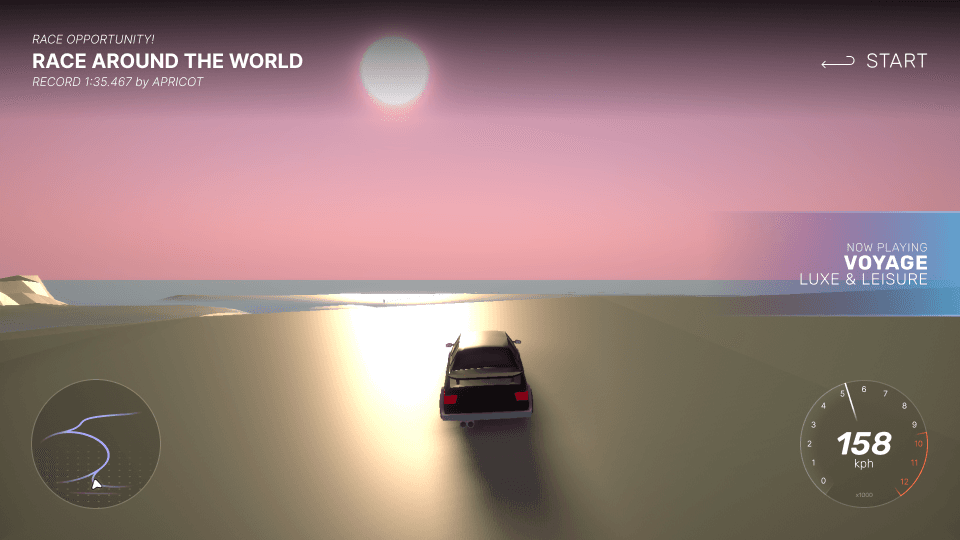
We were very optimistic on what we could make, but clearly underestimated the time it would take to implement everything. While minimal, the interface was still fairly complex to implement.
Another programmer built our UI using ImGui, and the interface felt very native and performed extremely well. It also didn’t have that feeling of being made in Unity, which I was very happy about.
Conclusion
A grand idea with not enough resources to finish in the state we expected. We had big plans for this project, and while we did manage to create a lot of features, we ultimately had to scale everything down due to time constraints.
This project is an example of how scope can run you over when you least expect it. It taught me a lot about vehicle physics and building large game systems. Working on these areas has been really fun, and I can definitely see myself working on similar areas in the future!